A closer look
Your next useful app may be hiding in plain sight
Explore how iOS apps work in daily routines, what their features actually do, and how to make a device feel more like your own.
Read the piece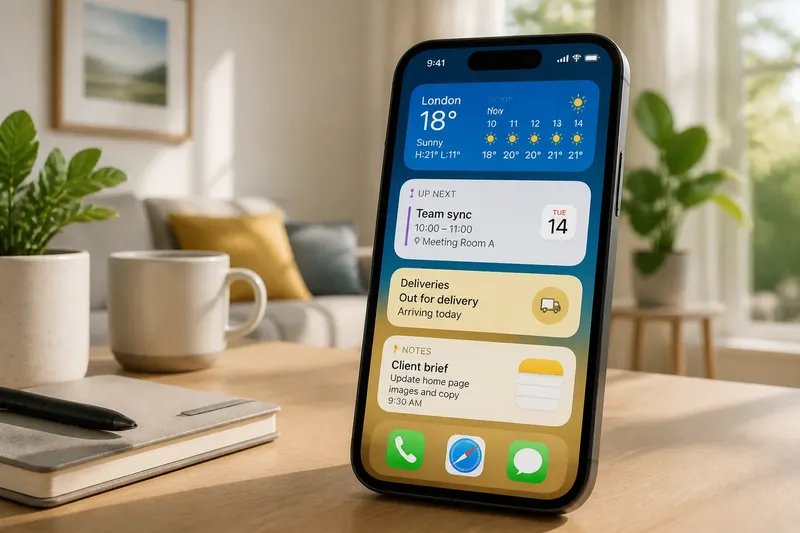
Fresh from the desk
All articles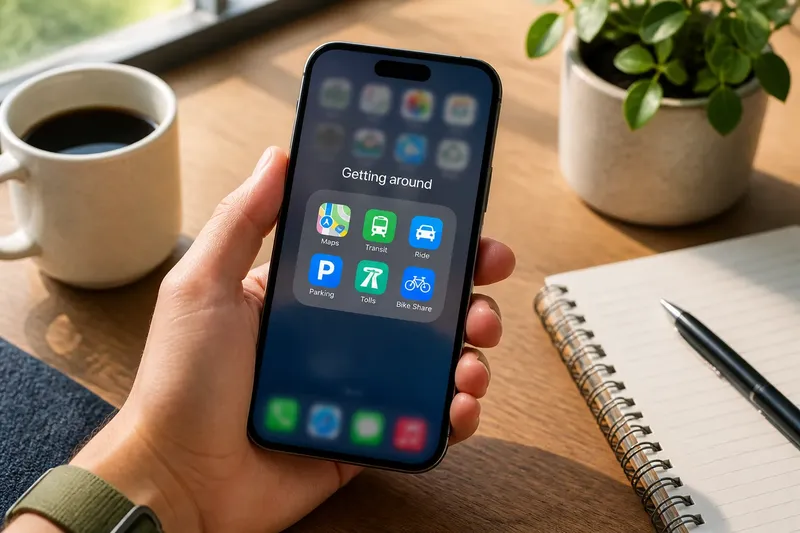
Five starting points
- 01Why an iPhone Widget Can Show Information Without Opening Its AppFeatures5 min read
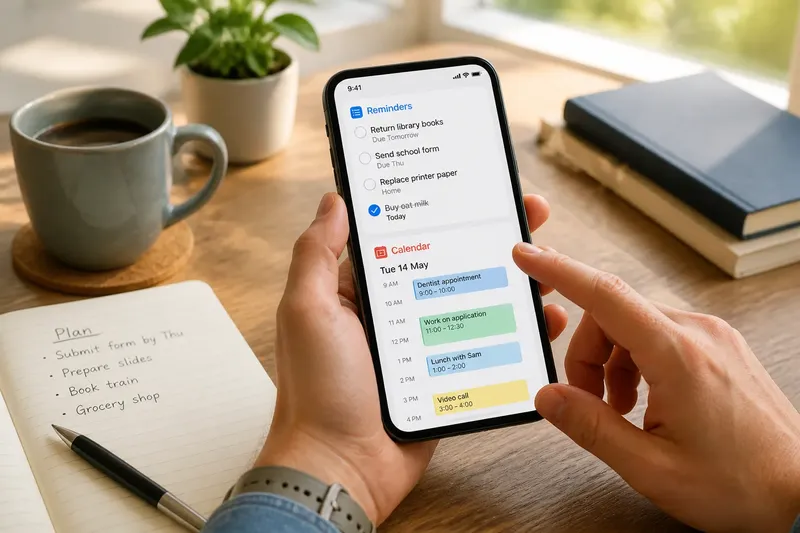
- 02Reminders or Calendar: Which One Should Hold a Task?Finding6 min read
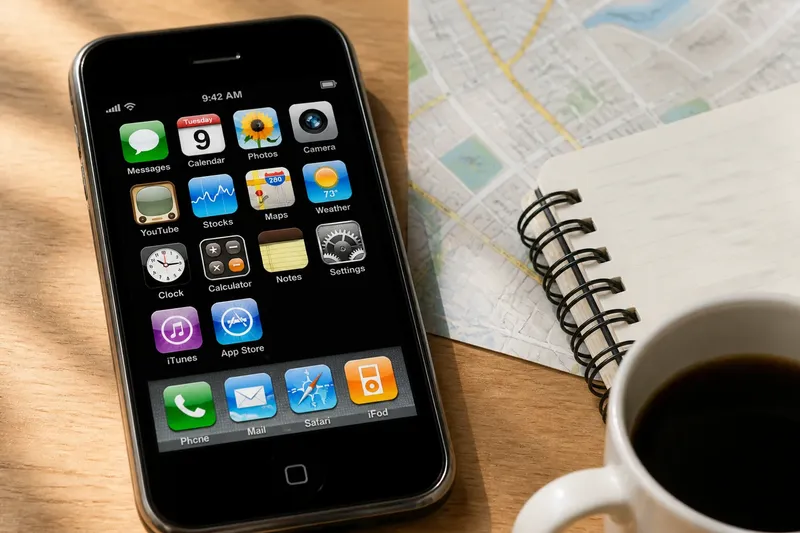
- 03Before the App Store: How Early iPhone Software WorkedMaking5 min read
- 04The App Folder That Becomes a Junk DrawerCare6 min read
That view can answer a quick question, but it does not contain the full app’s tools, history or options.
Our point of view
An app is a tool, not a whole plan
We look past feature lists to the choices an app makes possible. A small experiment can teach more than a long list of promises.